Withdrawal Limits and How Fast Your Money Arrives
These are the hard numbers you need. All amounts are in Bangladeshi Taka (৳).
Higher VIP tiers unlock larger daily limits. VIP 2 players can withdraw up to ৳3,10,000 per day, VIP 3 up to ৳5,80,000, VIP 4 up to ৳11,00,000, and VIP 5 up to ৳20,00,000. See the full VIP breakdown on the Bonus & VIP page.
8www Payment Methods: Deposit and Withdrawal at a Glance
All four methods support both deposits and withdrawals. The same wallet you deposit with should be used for cash outs.
How to Request a Withdrawal on 8www
The whole process takes about two minutes to submit. Make sure your KYC is done first (see the section below) or the request will be held until documents are verified.
-
1
Log in to your 8www account
Go to 8www Login and enter your phone number and password. If you use the mobile app, open it and tap the profile icon at the top right.
-
2
Open the Cashier and choose Withdrawal
Find the Cashier button in the top menu or inside your account dashboard. Select the "Withdrawal" tab.
-
3
Select your payment method
Choose bKash, Nagad, Rocket, or Bank Transfer. Enter the wallet number or bank account that belongs to you. The name must match your 8www account.
-
4
Enter the amount
Type the amount you want to withdraw. Minimum is ৳1,200. The form will warn you if the amount exceeds your daily limit for your current VIP tier.
-
5
Confirm and wait
Tap Confirm. You will see a pending status immediately. Most withdrawals arrive in roughly 42 minutes. Your first ever cash out may take up to 1 hour due to the initial review.
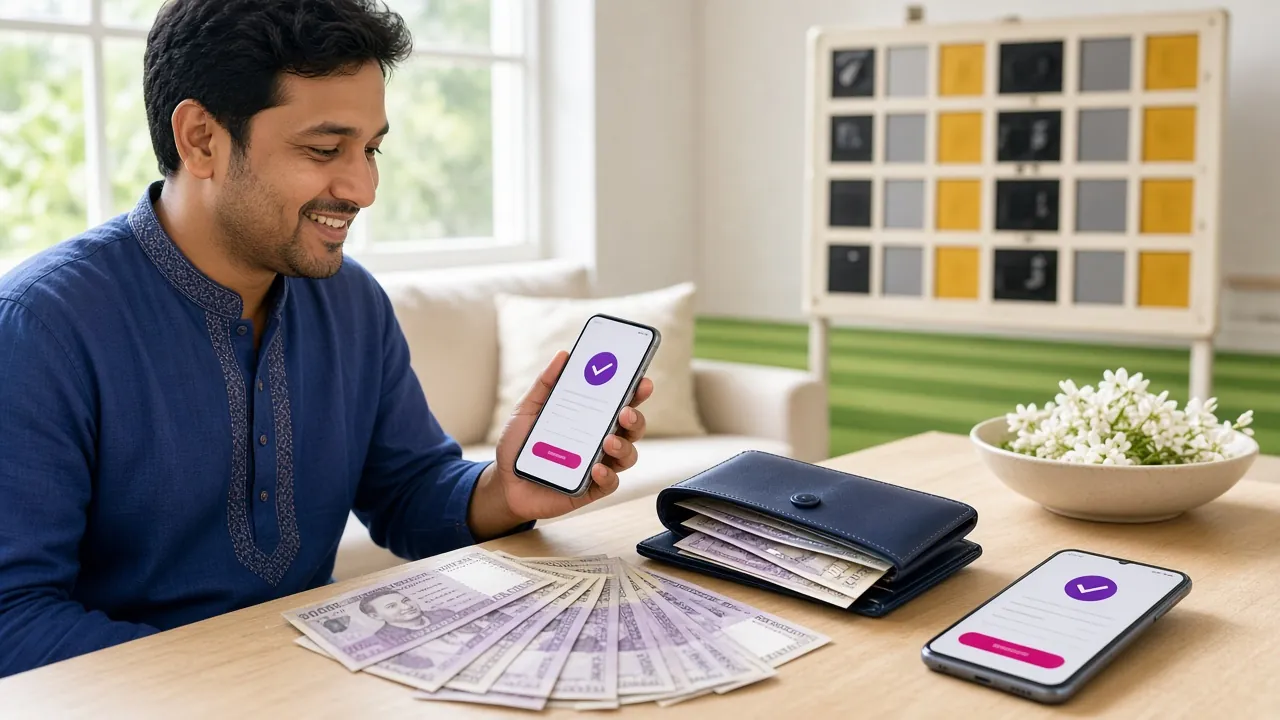
KYC Verification: Required Before Your First Cash Out
8www requires identity verification before processing any withdrawal. This is a one-time step. Once your documents are approved, you will not need to submit them again.
The review team checks submissions around the clock. Most accounts are cleared within 6 hours of uploading, though straightforward cases often finish faster.
Accepted Identity Documents
-
National ID Card (NID) Both sides of the card are required. Make sure the name, date of birth and NID number are clearly visible.
-
Passport Photo page and the page showing your personal details. Valid or recently expired are both accepted.
-
Driving Licence Front and back. The name on the licence must match the name registered on your 8www account.
Submitting Your Documents: Step by Step
Get your photo or scan ready before you start. The file must be under 5 MB, in JPG, PNG or PDF format, and all four corners of the document must be visible in the frame.
-
1
Go to Account Settings
After logging in, open the account menu. Find "Profile" or "Security" and look for the "Verify Identity" or "KYC" section.
-
2
Choose your document type
Select NID, Passport, or Driving Licence from the dropdown. This tells the system what layout to expect when it checks your upload.
-
3
Upload front and back images
Take a clear photo in good lighting. No glare, no fingers covering the text. For passports, photograph the page flat on a surface.
-
4
Wait for the review result
The team reviews documents within 6 hours. You will receive a notification once approved. If anything is unclear, they will ask you to resubmit. Contact 24/7 live chat if you have not heard back after 6 hours.
Why Withdrawals Get Declined and How to Fix It
Most declined requests come from one of a small number of causes. The table below lists the common ones and what to do next.
| Reason | Why It Happens | What to Do |
|---|---|---|
| KYC not completed | No documents submitted yet, or the review is still pending. | Upload your NID, Passport or Driving Licence from the Account Settings page and wait up to 6 hours. |
| Wagering not met | Bonus funds are still subject to the 12× turnover requirement. | Keep playing until the required turnover is reached, then request again. Check progress in Bonus History. |
| Name mismatch | The wallet or bank account name does not match the registered account name. | Use a payment method registered in your own name. Contact support to update your profile details if needed. |
| Amount below minimum | Requested less than ৳1,200. | Increase the withdrawal amount to at least ৳1,200. |
| Daily limit exceeded | Total requested today is over your tier's daily cap. | Wait until midnight (UTC+06) to submit the remainder, or reach a higher VIP tier for a larger limit. |
| Insufficient balance | Withdrawal amount is greater than the withdrawable balance shown in your wallet. | Check the real-money balance (not bonus balance) and request only that amount or less. |
Questions Players Ask About 8www Withdrawals
How long does a withdrawal from 8www take?
What is the minimum withdrawal amount?
Do I have to verify my identity every time I withdraw?
Can I withdraw to a bKash number that is not mine?
What happens to my bonus funds when I withdraw?
My withdrawal has been pending for over an hour. What should I do?
Is there a fee for withdrawing from 8www?
How do I increase my daily withdrawal limit?
Ready to Start Playing and Cashing Out?
Create your account, make a first deposit via bKash or Nagad, and claim the welcome bonus. When you are ready to withdraw, this guide has everything you need.